
Getting started as a host
From account to first published space: what registration needs, why the email has to be confirmed, and where to go from there.
· Lukuaika 3 min
Tämä opas on saatavilla saksaksi ja englanniksi. Luet nyt englanninkielistä versiota.
From registering to a first visible space is three steps and about a quarter of an hour, most of it spent on the description and the photos. None of it costs you anything as a host.
Step one: create the account
Register sets up the account, either with an email address and a password or through Google or Apple.
You choose your role while doing it. Host is the side that publishes spaces and never pays for it. Operator is the side that searches the directory and pays for access. An account has exactly one role, and switching later runs through support, because different things hang off each one. If you are unsure, read Switching account type first.
Signing up through Google or Apple means there is no password at first. That is fine, but it does mean Spacement sends you a six-digit code by email for security-relevant operations instead of asking for a password.
Step two: confirm the email address
A confirmation email lands in your inbox after registering. Open the link in it.
This is not a formality. Everything else hangs off that address: enquiries about your spaces, the notice that a listing went live, and the way back into your account if you ever lock yourself out. While it is unconfirmed, parts of the platform stay closed.
If nothing arrives, check the spam folder and request the email again in your settings. It is worth adding a backup address straight away, ideally with a different provider.
Step three: the first space
Under My spaces, New Space opens a four-step form: basics, details, location, price and photos. It remembers a draft you started, so you do not have to do it in one sitting.
Three things decide whether enquiries come in: a description that answers the usual follow-up questions in advance, at least three bright photos of the space itself, and a price. Publishing a space walks through the whole thing.
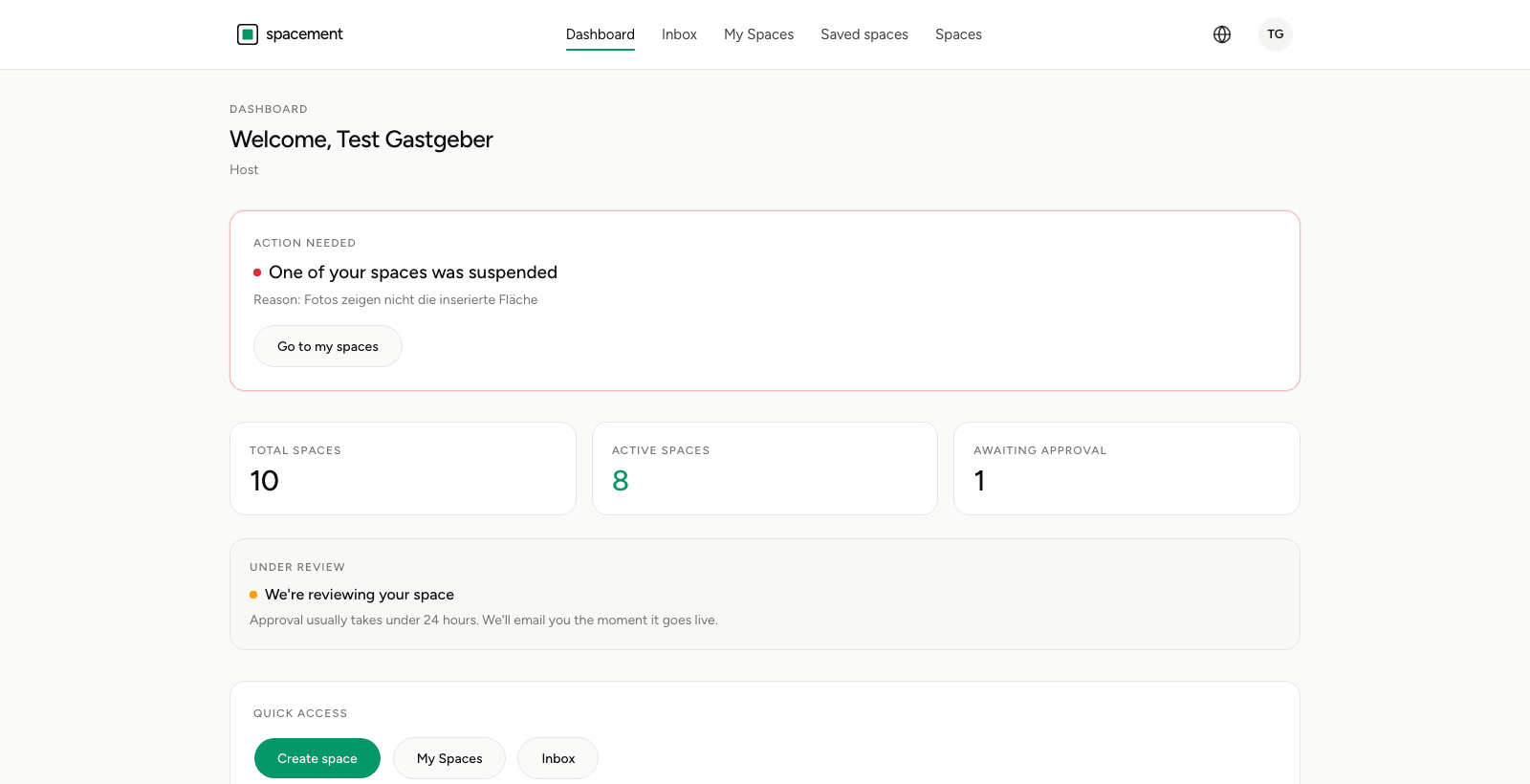
At the end the listing goes into review. Every new one is looked at by hand, usually in less than 24 hours, and you get an email as soon as it is live.
What comes after
Enquiries reach you by email and in your inbox. How a good conversation starts, and what to do when one goes wrong, is in Writing messages and answering enquiries.
Two things worth doing early: switch on the second factor, covered in Setting up two-factor authentication, and walk once through your notification settings so that what should reach you does.
And one thing up front, because it is the most common question: the rent does not run through us. You conclude the contract directly with each other, and Spacement takes no commission on what you agree. What the price on a space means explains exactly what that entails.
Usein kysytyt kysymykset
- Does any of this cost me as a host?
- No. Listing is free permanently, and you never leave a payment method with Spacement.
- Do I need to be a registered business?
- Spacement is a platform for business customers. Anyone letting a space commercially should be able to act accordingly.
- Do I have to confirm my email address?
- Yes. Without a confirmed address parts of the platform stay closed, and enquiries could not reach you.
- How long until my first space is live?
- The form takes about ten minutes, approval usually less than 24 hours. You get an email once it is visible.
- Can I sign up with Google or Apple?
- Yes. There is then no password at first, which means a confirmation code by email for some operations.