
Getting started as an operator
From account to first enquiry: pick a role, activate access, search, unlock, write. And which of that costs money.
· Время чтения: 2 мин
Это руководство доступно на немецком и английском. Вы читаете английскую версию.
As an operator you look for spaces and pay for access to the contacts. From account to first enquiry is four steps, and the first of them you can take before committing to anything.
First: look without an account
The directory is open. You can search, filter, read listings with their photos and descriptions, and work out whether there is anything for you. What is missing is the exact address and the contact details, and the map carries a circle instead of a pin.
That is the honest way to make the decision: check whether there is enough in your region and your use type. Searching and filtering spaces covers how it works.
Step one: create the account
Register sets up the account, with an email address and a password or through Google or Apple.
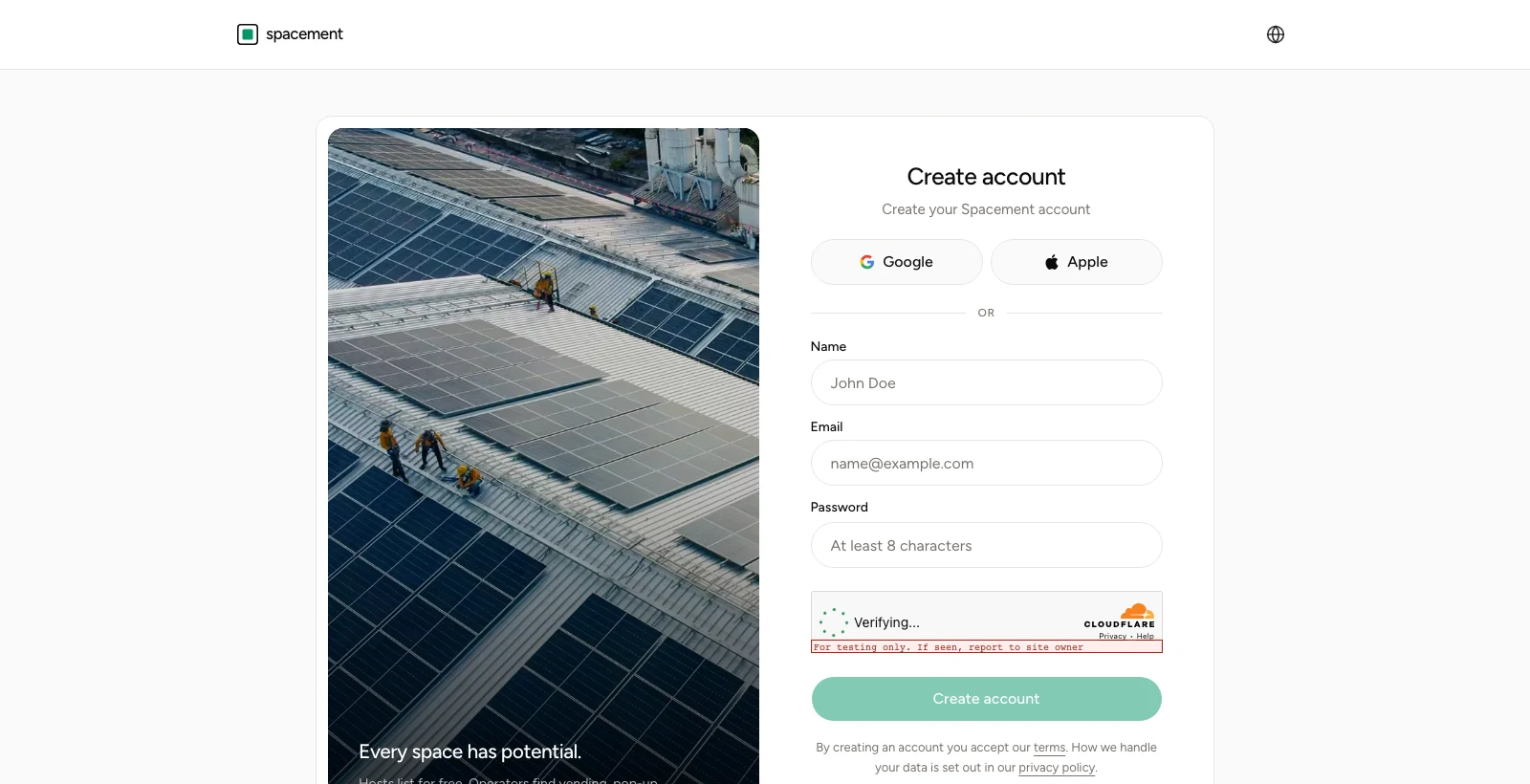
Choose Operator. The other role, Host, is the side that publishes spaces and never pays for it. An account has exactly one role, and switching later runs through support.
Then confirm your email address using the link we send. While it is unconfirmed, parts of the platform stay closed.
Step two: activate access
Under Plan & access you pick between Starter and Pro. Both give full access to the directory, direct messages and search agents. The difference is unlocks: Starter comes with a monthly allowance, Pro removes the limit.
You pay a monthly fee plus a one-off on activation. The figures are on the pricing page, and the billing side is in Subscription, invoices and cancellation.
What does not come on top: commission on whatever you end up renting. Nothing accrues to us from a concluded contract, and the rent does not run through us either. More on that in What the price on a space means.
Step three: unlock
A space's page carries Unlock location. One click, and the exact address and the host's contact details appear. That is permanent; the same space never costs a second time.
Because the allowance is finite, an order of operations pays off: save broadly first, compare at leisure, then unlock the two or three you actually intend to call. That is what the saved list is for, and it costs nothing.
Step four: write
You start the conversation from the space's page. What a first message should contain to get answered is in Writing messages and answering enquiries.
Then let it run
Two things worth doing early. Set up a search agent so new matching spaces come to you instead of you checking weekly. And walk once through your notification settings so what should reach you does.
What happens after that happens between you and the host. Which questions should be settled before anyone signs is in From unlock to contract.
Частые вопросы
- Can I look at the directory before paying?
- Yes. Searching, filtering and reading listings works without an account. What you pay for is exact addresses, contact details and direct messages.
- What does access cost?
- A monthly fee plus a one-off on activation. Current figures are on the pricing page.
- How many spaces can I unlock?
- A set number per month on Starter, unlimited on Pro. Once unlocked, a space stays open to you permanently.
- Can I cancel monthly?
- Yes, in the customer portal. Cancellation takes effect at the end of the period you have paid for.
- Do I pay commission on the rent as well?
- No. Nothing accrues to Spacement from a concluded rental contract.